
From product knowledge to published work
RiseMore's workflow has five stages: Learn → Discover → Generate → Publish → Monitor. Each stage produces something you can inspect. Research and drafts accumulate in your workspace, while publication still requires your approval.
| Stage | What RiseMore does | Your decision or check |
|---|---|---|
| Learn | Researches the product, audience, positioning, and competitors | Inspect and correct product facts |
| Discover | Finds evidence, buyer questions, discussions, or source material | Decide which opportunity is worth pursuing |
| Generate | Writes the selected content and prepares the required image | Edit claims, voice, links, and images |
| Publish | Delivers the approved version to its confirmed destination | Approve content, destination, timing, and any fee |
| Monitor | Collects supported observations and preserves publication results | Read the evidence and decide what to improve |
Start a task and find its saved work
Open your product in the Console. Chat is a place to explain your goal, ask about research, or request help with a specific piece of work. Give the agent the product, audience, and intended outcome rather than asking for every channel at once. For example, describe a real product update and ask it to find an angle for the X channel you have chosen.
Read the response and open the saved result. A discussion about a topic is not yet a saved Topic or finished post. If the task is still running or asks for a decision, follow that state before starting another copy.
| You want to inspect | Where to look |
|---|---|
| Product facts, audience, and positioning | Product settings; see Product Knowledge |
| Research evidence and sources | The relevant agent's library, a saved material, or Reports |
| Selected topics, drafts, and publication progress | The relevant agent's Workflow and the content detail |
| Account connection, writing preferences, and posting slots | Social channel settings; see Channels & Connections |
| Recurring work and its next run | Scheduled; see Scheduled Tasks |
| AI answers and their sources | GEO visibility; see Read AI Visibility Results |
Watch the source-to-post walkthrough (MP4). Open a saved source, follow its Related topics link, then use View post to inspect the text and image. This recording follows existing records; the X post was already scheduled. It does not show new generation, approval, or external publication.
Learn: establish the facts
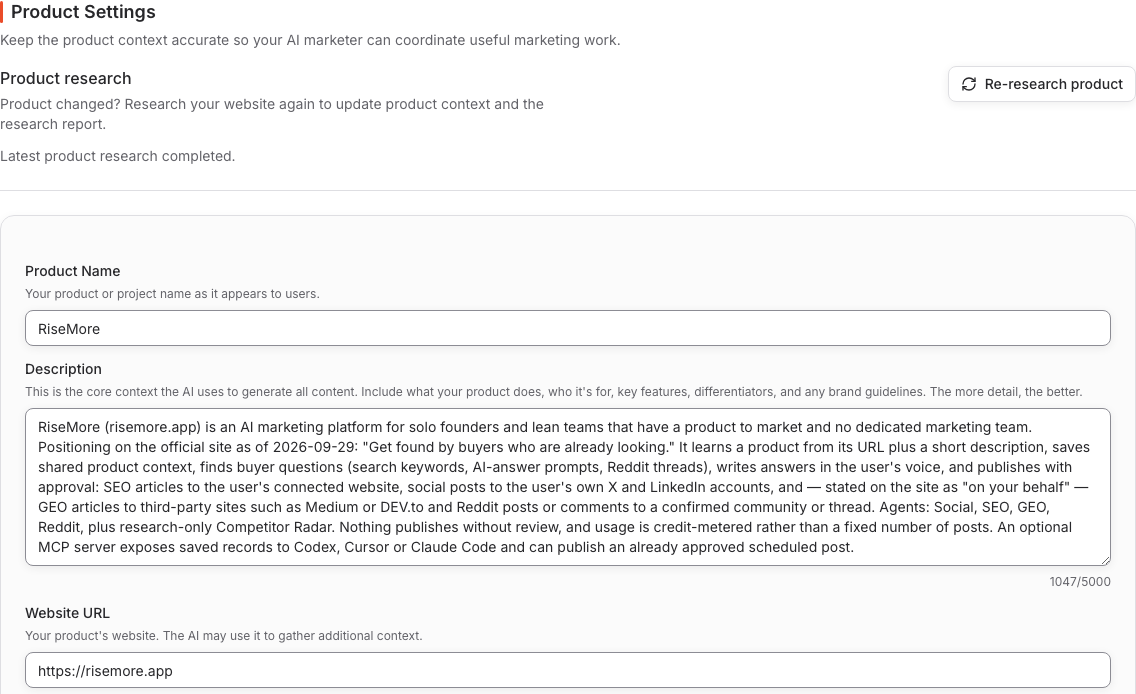
Start in onboarding. RiseMore automatically researches the product, chooses a first social topic, and delivers an image-backed draft. Review the saved research and correct any inaccurate product facts before publication. Keep that context current when the audience, positioning, features, or pricing change.
Inspect the sources in saved materials and reports so you can check what later work relies on. Product Knowledge explains these records and their sharing controls. A research refresh updates knowledge; it does not rewrite every existing draft.
Discover: find a reason to publish
SEO collects keywords and demand evidence before proposing topics. GEO researches buyer questions and article briefs. Reddit identifies a useful community topic or a gap in an existing thread. Social collects source material, then selects topics and channel angles.
Discovery saves evidence and direction; it does not mean a finished article or post exists. Open the source or research behind an opportunity before selecting it.
For example, follow one SEO keyword through a proposed topic, the selected article, your saved edits, and the final publication URL. Those are separate records or stages of work; a keyword appearing in the library does not mean an article is being written. The SEO guide shows the steps. The other agent guides explain their own inputs and outputs.
Generate: turn a selected opportunity into content
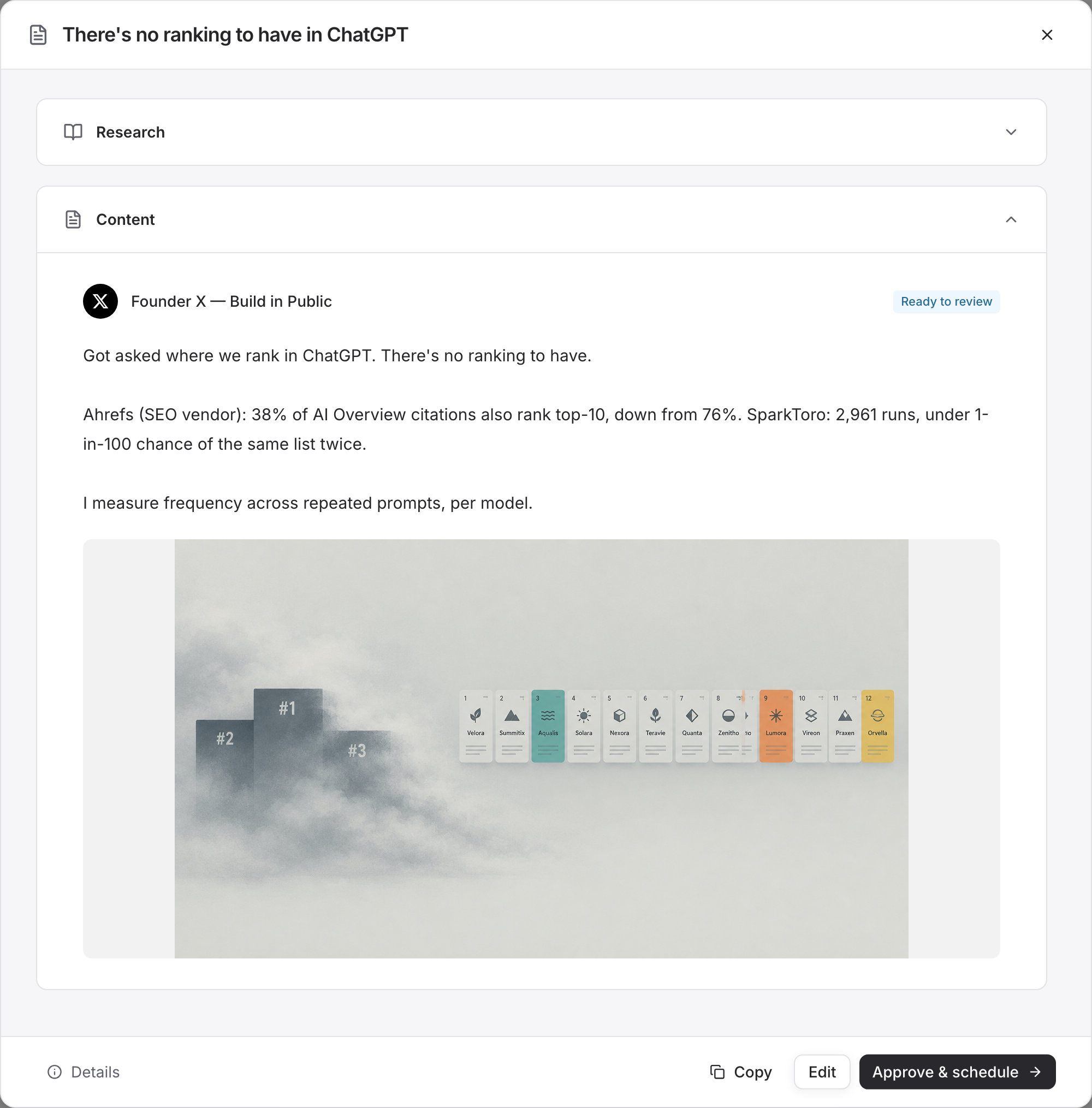
For SEO, GEO, and Reddit, choose the topic, brief, or opportunity that you want written. Social's recurring generation uses already selected Topics for its channels. You can inspect the research and resulting drafts in Workflow.
Check the complete draft, including its image where required. If image generation fails after text is saved, review the saved text and resolve the missing image before treating the work as finished.
Publish: approve the version and destination
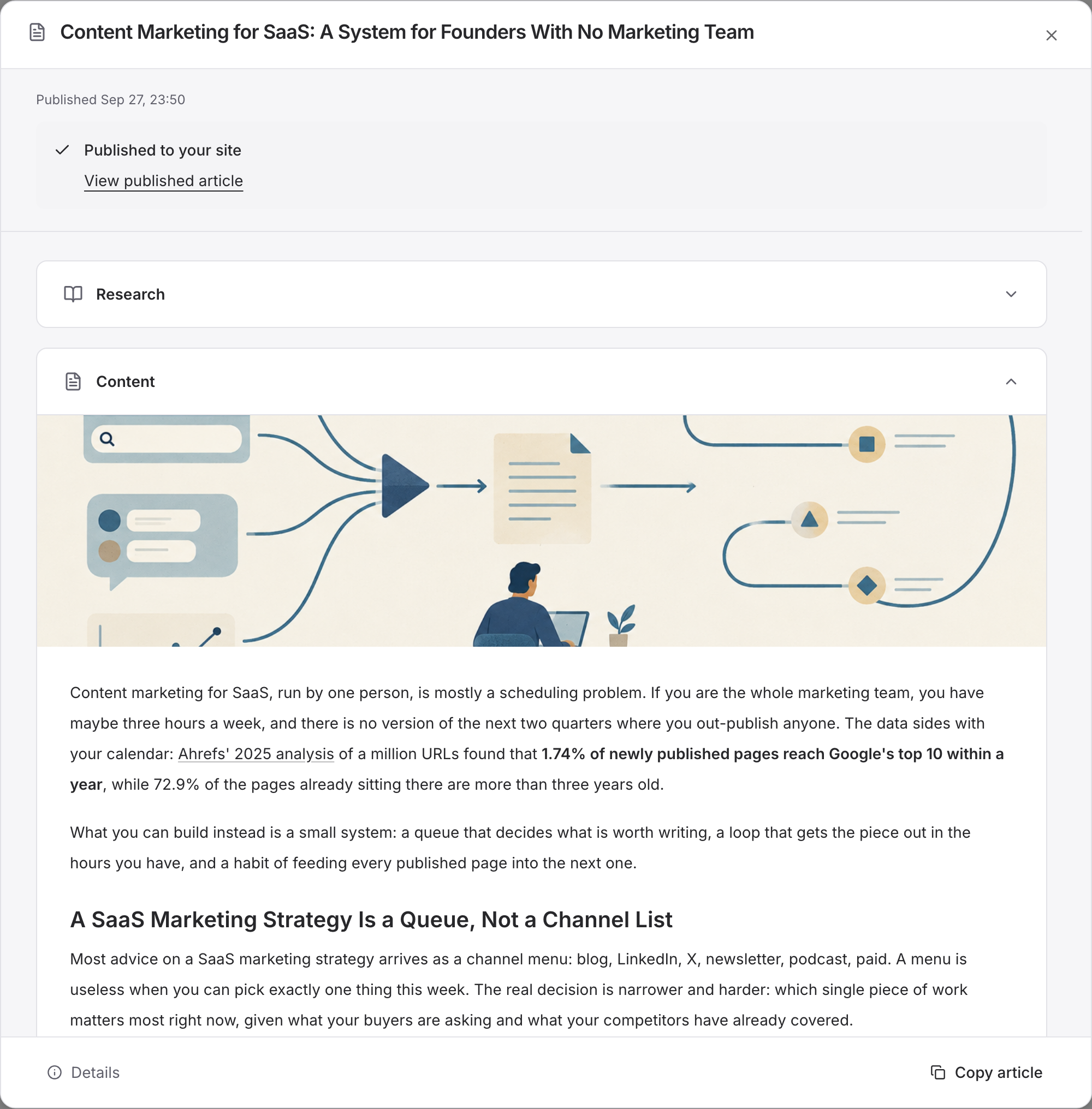
SEO uses your connected site. Social uses your connected X or LinkedIn account. GEO and Reddit publish on your behalf to a supported, confirmed destination.
Check the publication dialog, including timing and any fee, before confirming. A queued or submitted item has not necessarily gone live. Open the recorded result URL to verify what was published. See Review & Publish.
Monitor: interpret the right evidence
GEO shows collected AI answers, mentions, and citations. Social can show available engagement for connected-account posts. Reddit preserves delivery results and links; it has no ranking metric to track. SEO's current Console provides keyword research and publication records; automatic search-ranking tracking is not currently available.
Use your site's search and analytics tools to assess SEO impressions, clicks, and conversions. An opportunity score, AI mention, or social reaction measures a different thing from a new customer. Check timestamps and failed runs before interpreting missing data as poor performance.
Keep the work running
Follow Scheduled Tasks to enable supported recurring work and adjust its timing. These schedules run research or generation. A Social channel's schedule determines when its approved posts publish. Check the timezone in the relevant editor; a task schedule and a publishing schedule are separate settings.
If a task pauses because of access or credits, saved work remains available. Resolve the reported condition and check the next run. If an action waits for your review, make that decision rather than starting another copy of the job.
When you come back
Start with work waiting for your decision: review the delivered setup draft or select a researched opportunity. Then check scheduled publications and open the links for work that has gone live. Read new research and results before deciding what to generate next.
If something has stopped, inspect the state and use Troubleshooting. If the product has changed, update its knowledge before requesting more content. You can focus on one useful opportunity without operating all four agents every day.
Continue with the four agents or Pricing & Credits.