
What you need and what you will get
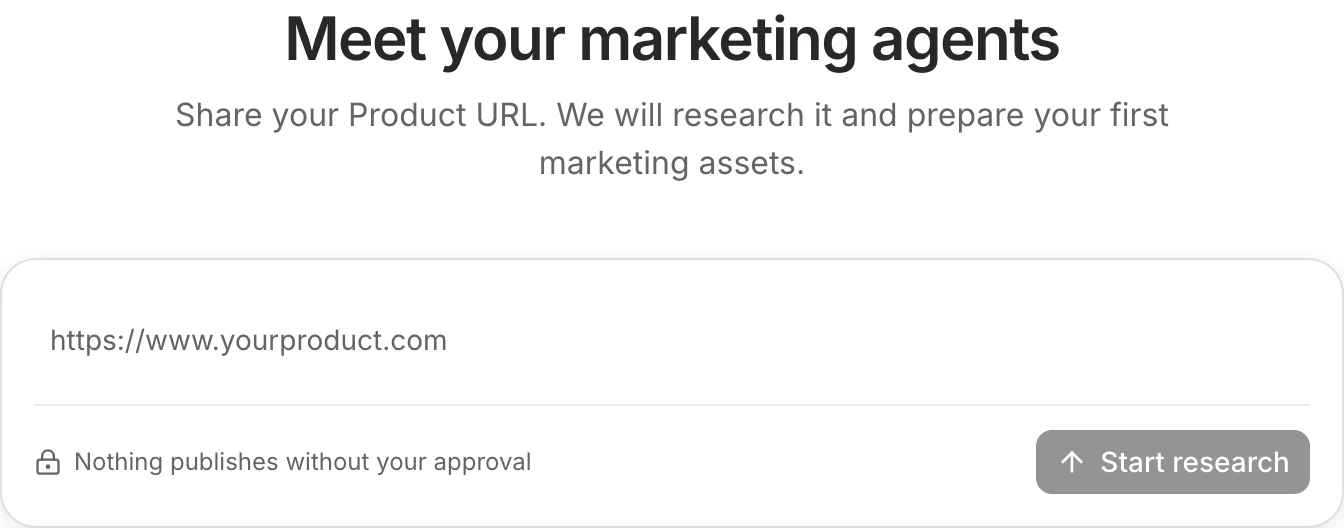
Use the website that explains the product you want to promote. After you submit it, RiseMore researches the product, finds source material, chooses a suitable first topic, and writes an X draft with an image. You do not need to confirm product details, choose a topic, or connect a publishing account for setup to finish.
Free includes access to setup using your available credits. The first result is reusable product research and a social draft with its image for the topic RiseMore selected. It has not been approved or published. Pricing & Credits explains access to ongoing agent work after setup.
Start with your product website
Open the Console, sign in, and enter your product's website in Product setup. Use the site that explains the product you want to market. RiseMore opens a product workspace and runs setup in Chat using your available credits.
You can leave and return to the same Chat while research runs. Check the current step before starting another setup for the same product.
Follow the work
Setup continues automatically through product research, discovery, and draft generation. You can inspect what RiseMore learned without stopping the work. The saved research report explains the product, its audience, positioning, and supporting sources.
The SEO, GEO, and Reddit previews show other possible directions. Suggested SEO keywords have not yet had search demand measured. GEO questions are starting points for research, not observed AI answers. A Reddit search error is different from a search that found no results. These previews do not complete the full discovery workflows or unlock paid capabilities.
Once the draft is ready, check the research alongside it. If a product fact needs correcting, update Product Knowledge and revise the draft before approving publication.
Review the draft and image
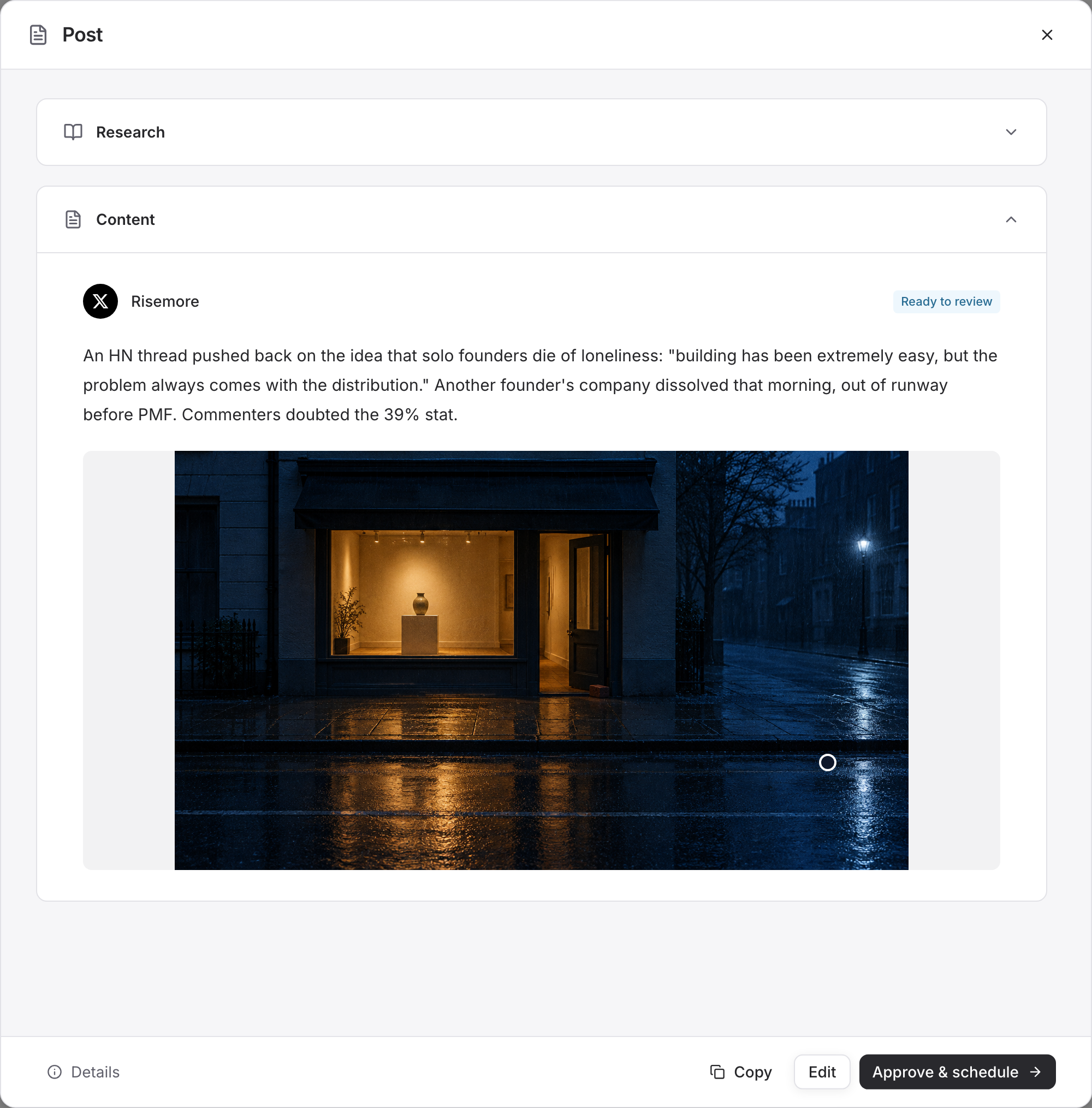
Open Review draft to check the saved text and image. Check product claims, links, tone, and whether the image belongs with the post. A saved draft is not approved for publication.
Setup is complete when the product research, saved draft, and image are ready. Check that the content answers the audience's need and sounds like something you would publish. Research finishing on its own is not the completed result.
When you are ready to publish, use Channels & Connections to check the account and writing preferences. Follow Review & Publish to save edits, confirm the publication window, and inspect the real post afterward. You can keep the draft in review while deciding; setup does not authorize it to go live.
Watch automatic setup
This 39-second recording follows one real setup through research, automatic topic selection, and a saved X draft with its image. Recording starts after the website was submitted and removes waiting time; it does not show how long setup takes. No publishing account is connected, and nothing is published.
Resume unfinished setup
Return to the same setup Chat to check progress. Previously paused setups continue automatically when you return. If a step or resumption fails, read the reason and use Retry. Check Pricing & Credits when insufficient credits prevent progress.
If the text saved but image generation failed, the draft is still available; the missing image is unfinished work. Review the saved content before retrying so you can keep useful edits.
If your product changes later, follow Product Knowledge to edit its context or request a research refresh. Refreshing can replace product details with updated research; it does not recreate channels or replace existing posts.
For a blocked step, Troubleshooting explains how to distinguish work still running from failed work. Next: choose an agent or follow the marketing workflow.