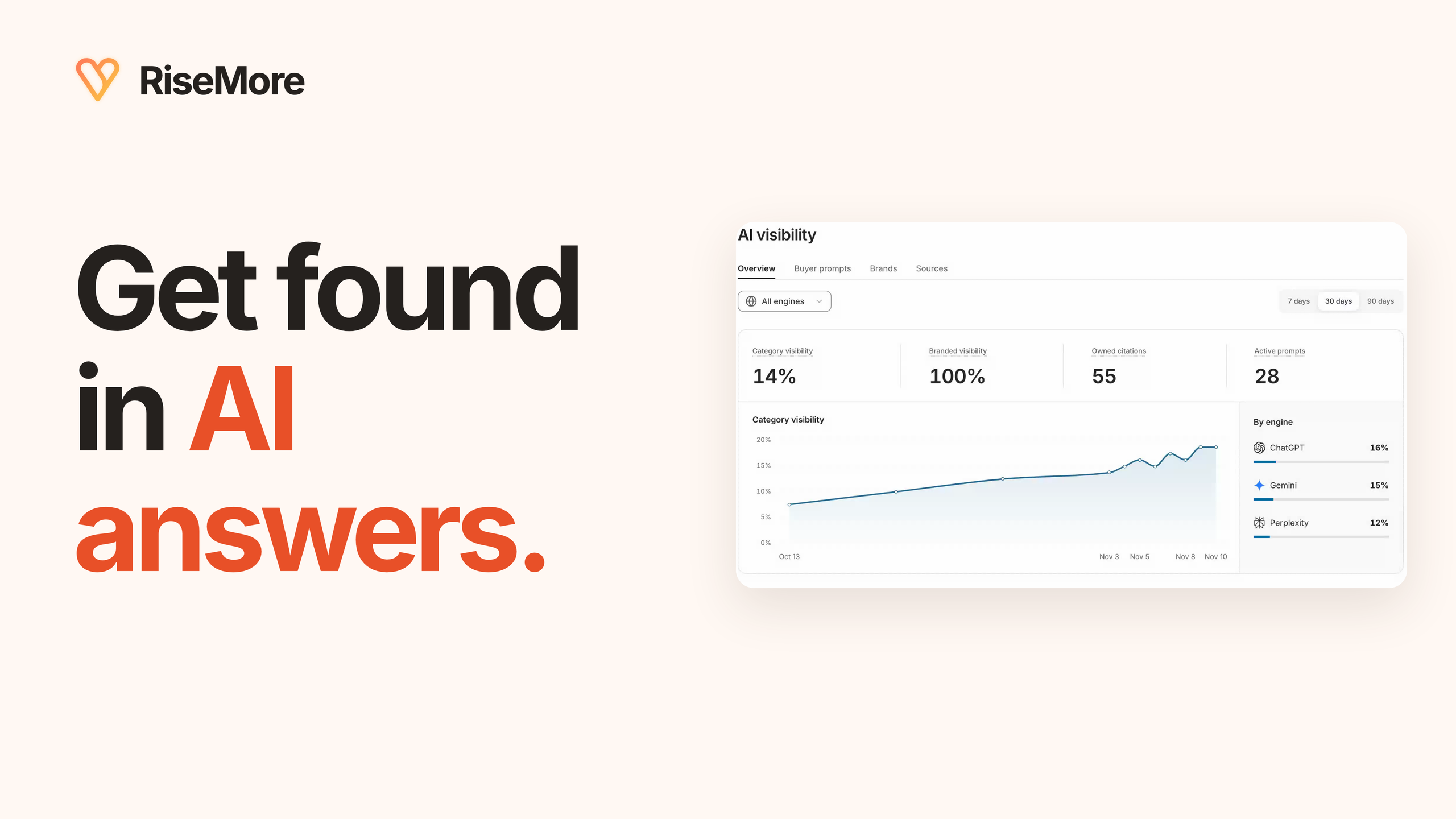
AI visibility tracking helps you check whether answers to your customers' questions mention your business and which pages they cite. Start with one relevant question, inspect the complete answer and its sources, then keep a dated record you can compare. A percentage becomes useful when you can explain the answers behind it.
This guide covers a manual check in ChatGPT or Perplexity and the saved-answer workflow in RiseMore's GEO Agent. You can use the same evidence checks when evaluating a dedicated monitoring tool. The goal is a finding you can act on, such as an inaccurate description, an overlooked customer need, or a source worth reading.
What is AI visibility?
AI visibility describes how a business or its content appears in answers from AI systems. For a useful measurement, specify the questions, engines, dates, and result being counted. Being named when the question already includes your brand differs from appearing among options for a customer's problem.
Keep three observations separate: a mention names your business; a citation links a source; a visit reaches your website. An answer can mention you without citing your site, or cite your page without recommending your product. Neither observation establishes a sale.
Start AI visibility tracking with a customer question
Choose a question from sales conversations, support requests, reviews, or relevant community discussions. Include the market, language, and constraints that matter. Keep questions naming your business separate from category questions that ask for help without naming it.
For example, “Does [business] serve customers in Bristol?” checks a named business's description. “Which accountants help small retailers hire their first employee in Bristol?” checks discovery around a need. These are illustrative examples; use wording grounded in your customers' decisions. Save that wording before checking an answer so you can repeat the same test.
Make a manual check first
Open a fresh ChatGPT conversation and select Search from its tools for a web-search check. Ask the question without requesting a recommendation for your business. Record the question, date, mode, and model label when shown. Read the answer, open its citations, and inspect Sources when available. OpenAI's search guide explains those controls.
Check the original question separately in Perplexity and keep its engine and mode with the result. Its official guide explains the citations linking answers to sources. A follow-up supplying your brand or URL changes the test. Save it separately, and keep manual chats distinct from a monitoring service's collection conditions.
Find the saved question in RiseMore
In your product's Console, open GEO Agent → AI visibility → Buyer prompts. Search for a relevant question or filter by category questions, branded questions, status, and topic. Open it and read Research to understand the buyer need and supporting sources. The research explains why to investigate; the captured engine answer supplies a separate observation.
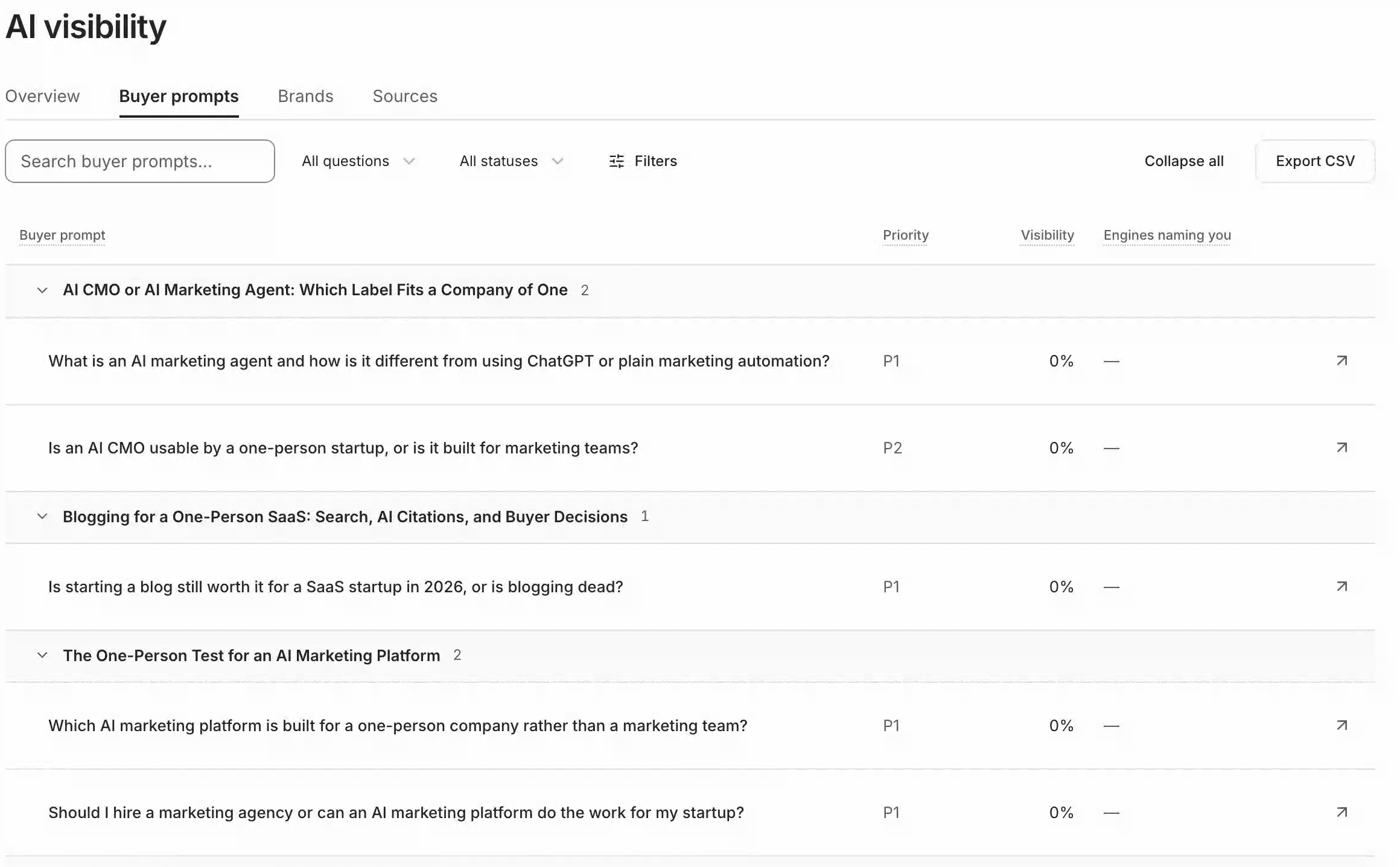
New workspaces need saved buyer prompts and a monitoring run before answers appear. Check GEO Agent in Scheduled, including its enabled state, Next, and Last run, then inspect Agent Feed and saved results. Running GEO requires Growth, Scale, or Max and sufficient credits. Monitoring needs no article generation or publication; reading an existing answer starts no new run.
Read one full answer and verify its sources
Under Captured answers, choose 7 days, 30 days, or 90 days and an engine such as ChatGPT or Perplexity. Check the status, model, and timestamp, then choose Read full answer. Inspect the text, Brands mentioned, and Cited sources together.
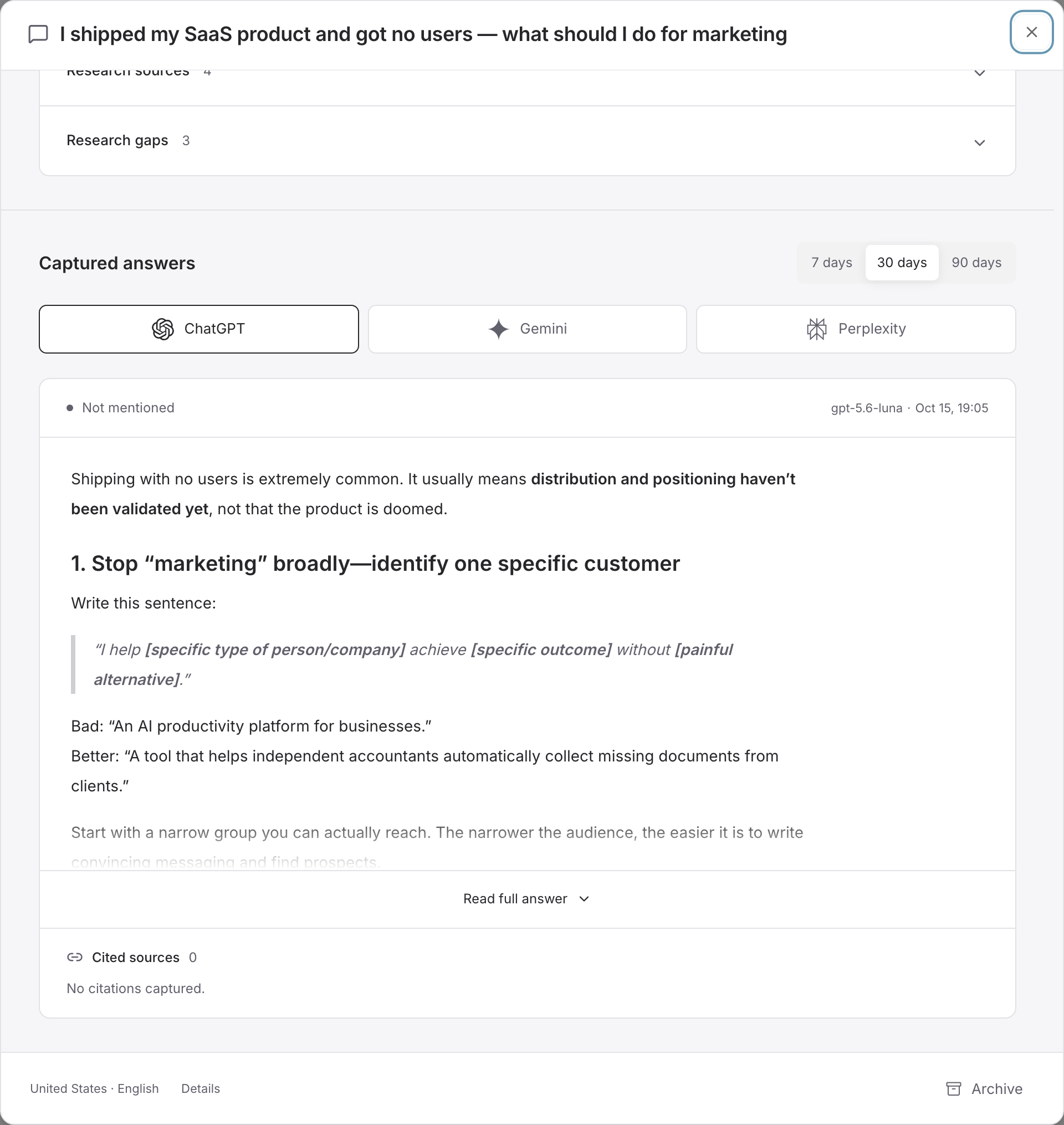
Open each useful citation's exact URL. Check its publisher, date, and the passage supporting the answer's claim. A related page may not substantiate a price, service area, or recommendation. Your page identifies an owned source. If a similarly named company appears, inspect its description and domain before counting it as your business.
For repeated source checks, open Sources and switch between Domains and URLs. Open a domain to inspect its cited pages. A recurring source can explain several answers; verify the relevant passages before deciding whether your public information needs a correction.
Compare observations and choose a response
Keep the exact question, market, engine, model, timestamp, status, mention finding, and citation URLs together. Add source-verification notes; use Export CSV in Buyer prompts or Sources to retain available records. Compare the same questions and engines across equivalent periods. Widening the date range can reveal older answers, but does not make them current.
- Not mentioned: read the valid answer to see what it covers.
- Not measured or no answer in this period: check dates, engine, and schedule before drawing a conclusion.
- Pending or failed: inspect the task state; unfinished or failed analysis cannot establish absence. A confirmed no-answer outcome with completed analysis counts as no mention.
The Buyer prompts table uses the latest qualifying check per engine; Overview summarizes observations in its selected period. Their percentages can differ. Correct an inaccurate public fact, investigate a useful customer question, or resolve a monitoring error. Record the change and revisit comparable answers. A later improvement alone does not prove what caused it.
Which are the best AI visibility tools for your task?
Choose by the work you need to complete and the evidence you can inspect. RiseMore publishes this guide; these are documented fits, rather than a performance ranking.
- RiseMore: consider it when monitoring belongs alongside buyer research, writing, and approved publication. Its GEO workflow keeps saved questions, answers, and citations available for review. Check the AI visibility reference for its metric scope and monitoring requirements.
- Peec AI: consider it for focused brand-visibility analysis and inspecting sources behind answers. Its official guide describes grouping results by topics, markets, or personas and investigating sources when a brand is absent or misunderstood.
- OtterlyAI: consider it for monitoring selected prompts, brand coverage, and website citations. Its prompt-monitoring guide describes prompt-level results, response details, citations, and engine-by-engine performance.
Before choosing, check supported engines and markets, prompt allowances, access to full answers, and exports. Ask how the tool defines mentions and citations. Compare equivalent coverage; matching metric names need not mean matching methods.
Watch the 80-second GEO workflow tour. Its Overview includes illustrative figures; use your dated saved answers as the evidence for your own checks. For the broader research background, read our practical GEO guide.
_