

Search demand and intent
Understand what people want to know, alongside available search volume, difficulty, and demand trends.
RiseMore learns your business, finds relevant searches, writes articles, and publishes to WordPress. Connect Google Search Console to follow your search performance.
Start with your businessThe best starting point for SEO is understanding what you sell and who needs it. RiseMore learns about your business, products and services before looking for searches worth pursuing.
That knowledge stays with the work. Each new keyword and article builds on the business context you can inspect and refine.
A useful AI SEO tool gives you more than a keyword list. See what customers search for, why it fits your business, and where a useful article could make a difference. RiseMore vs Surfer SEO · RiseMore vs Writesonic
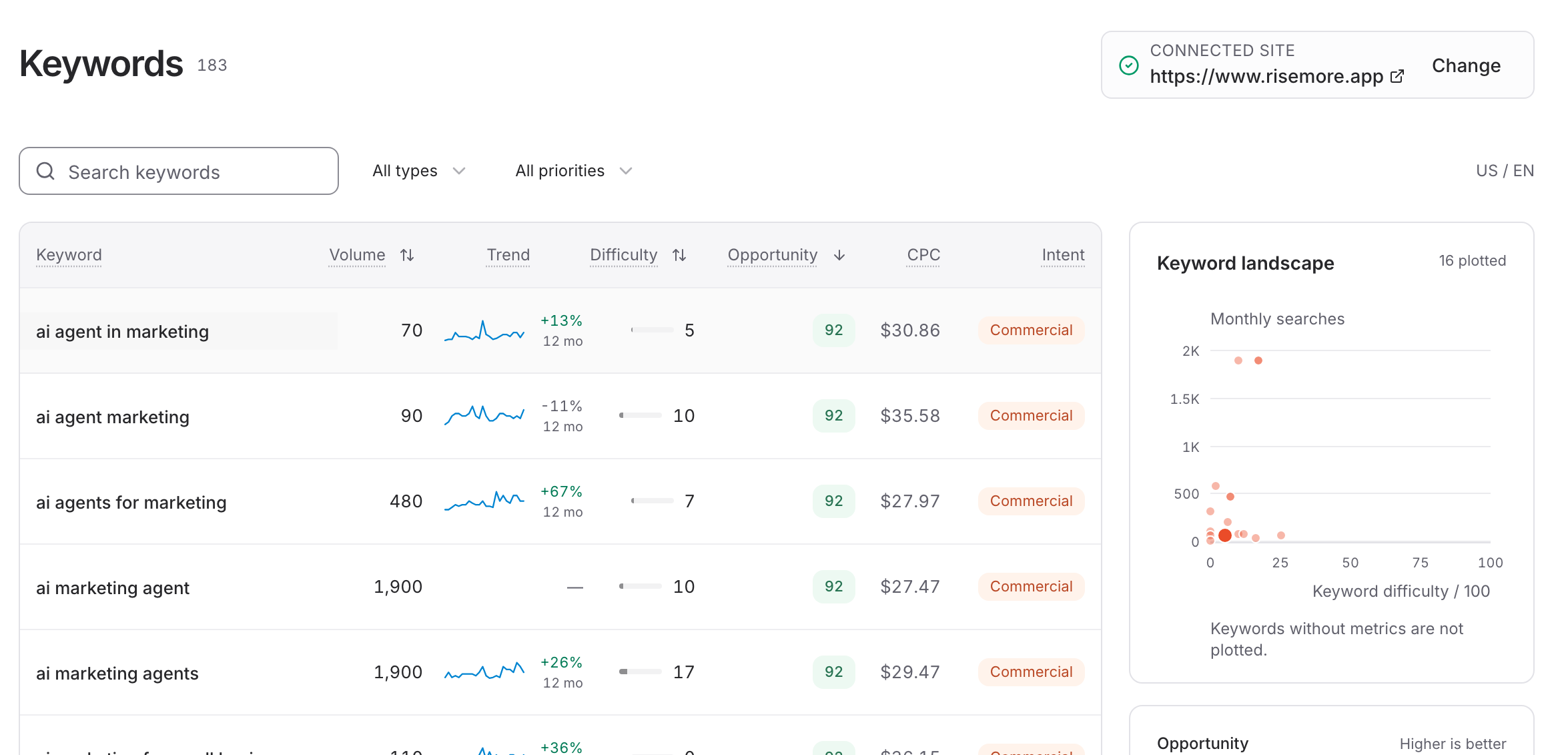
Understand what people want to know, alongside available search volume, difficulty, and demand trends.
Inspect why a keyword matters to your business and audience, with the reasoning saved beside the data.
Compare proposed article angles and related existing coverage. You decide which opportunity is worth writing for.
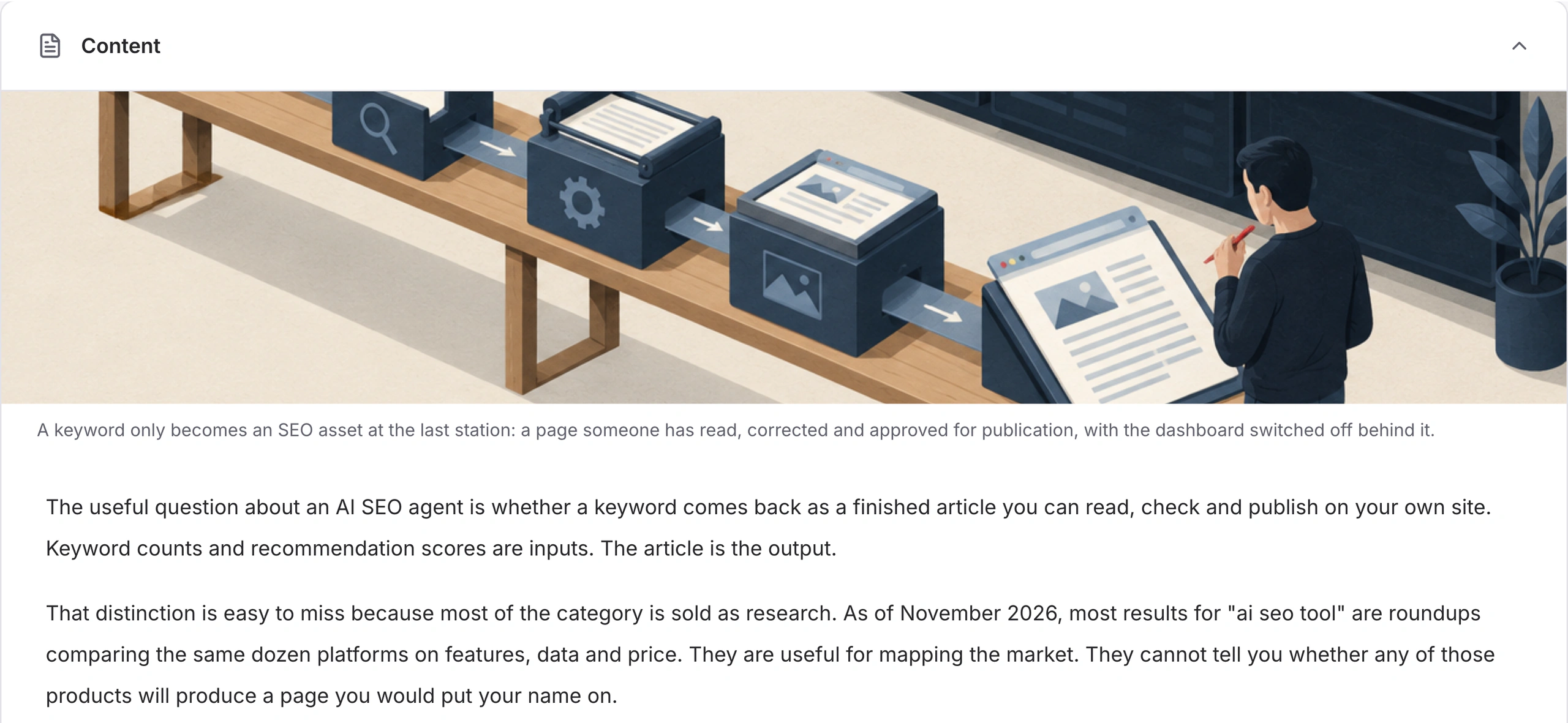
Choose the topic. RiseMore turns the research and your business context into a complete article and cover, ready for your review.
The selected angle, sources, and business context give the article something useful to say.
Check the title, body, claims, sources, and image. Change what needs changing before approving publication.
Your AI SEO writer carries the chosen topic beyond an outline, with the text and image together in the Console.
SEO content automation should carry the work through to publication. Connect WordPress and let RiseMore publish the version you approve.
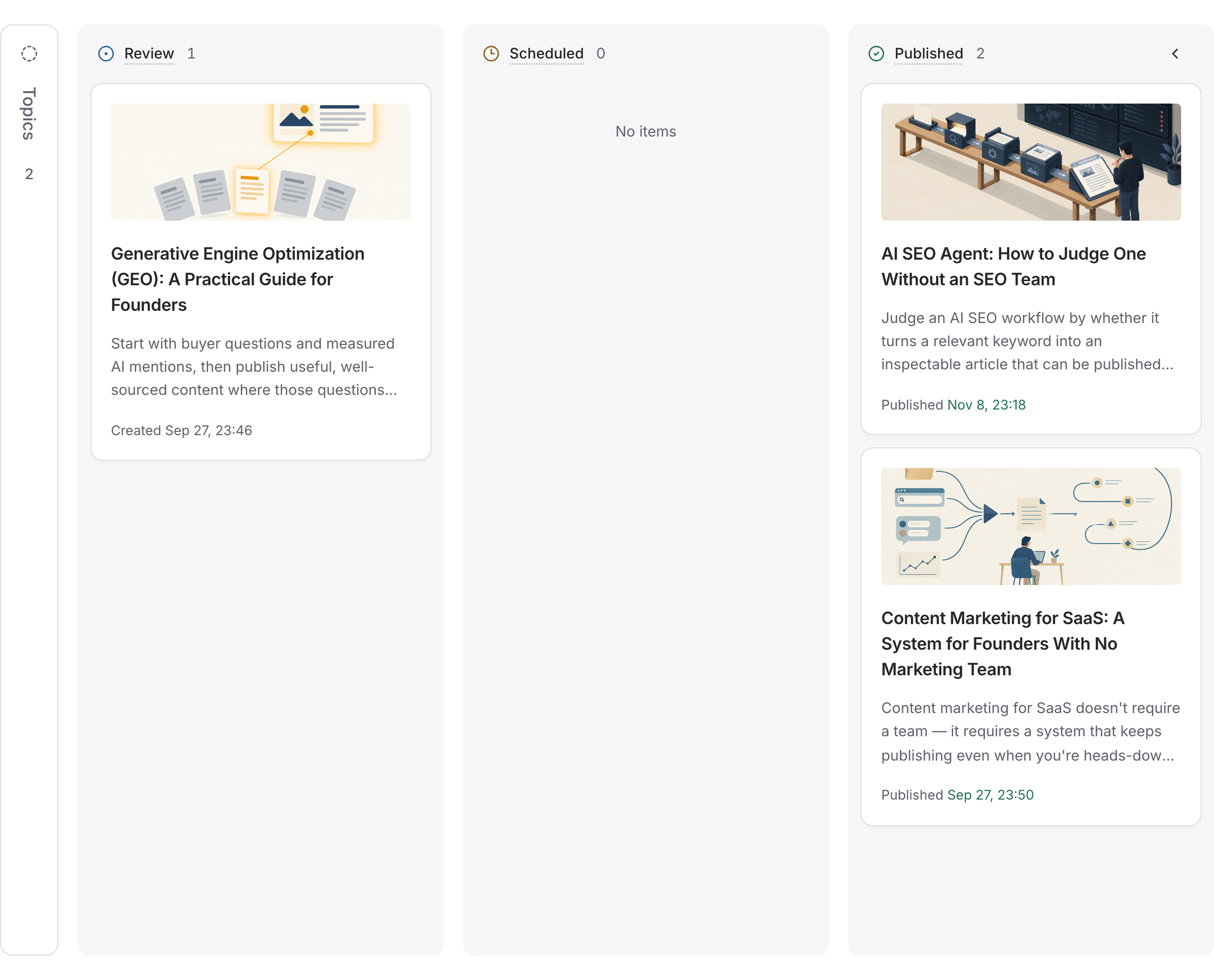
Confirm the final article, connected site, and publication window. A generated draft does not authorize publication.
Follow publication status in the Console. When it succeeds, open the saved result link to see the article on your site.
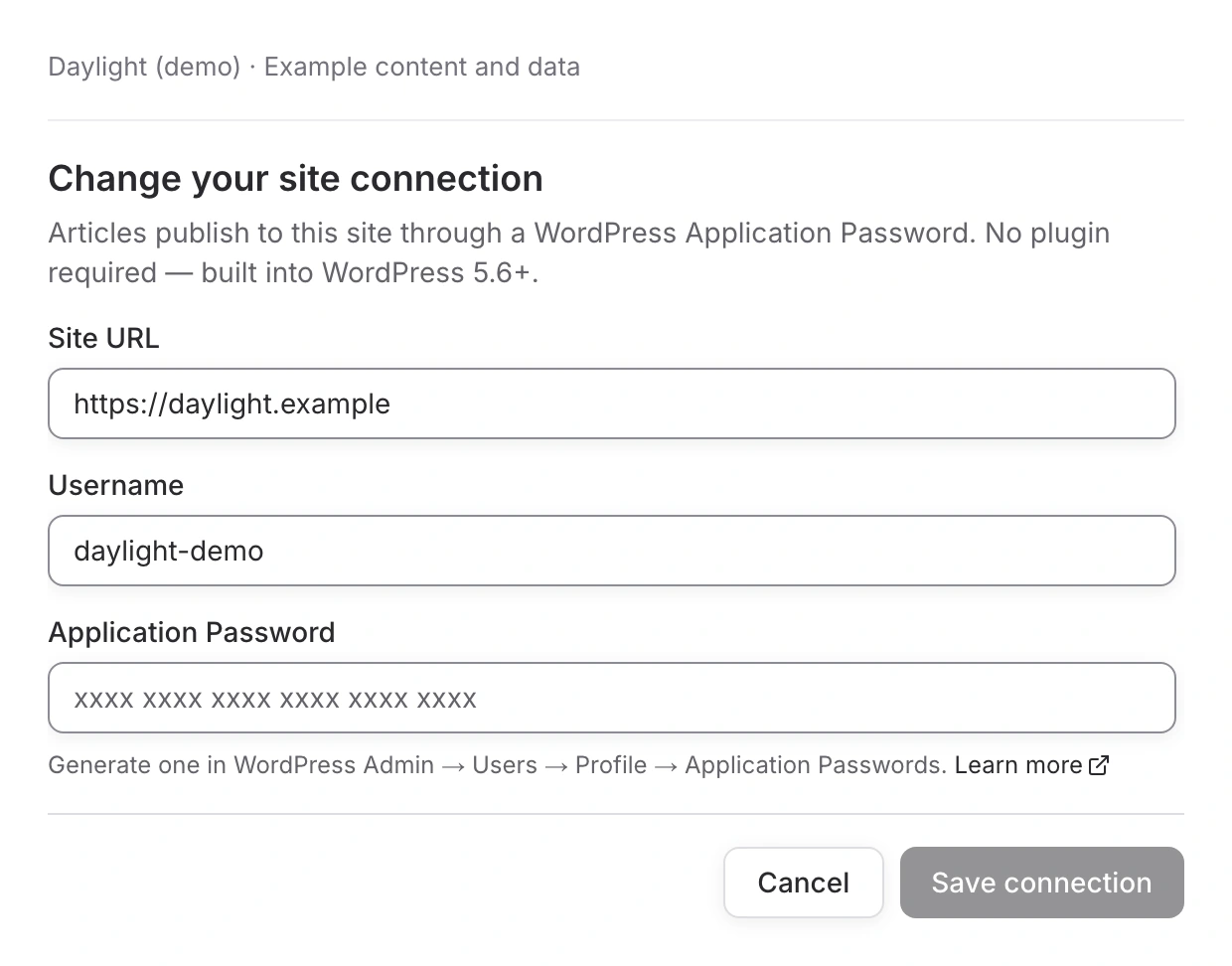
Add your site URL, WordPress username, and an Application Password. Save the connection once, then choose it when publishing.
 Read the WordPress publishing guide
Connect Google Search Console so RiseMore can see how people find your site. Follow your search performance after publication and give your SEO Agent real results to work from.
Track how often your pages appear in Google Search and how often people click through. See how your click-through rate changes over time.
Understand which searches lead to which pages, and follow their average position. See where your content is gaining visibility and where it needs attention.
Use your site's search data to identify content worth improving and topics worth covering next. You keep approval over what gets published.
About the research,
the writing, and what goes live.
It uses your business context, audience, and search-demand research to find relevant opportunities. Saved keywords include intent, available search metrics, an opportunity score, and the reason behind the recommendation. You choose which proposed article topic to write.
Direct publishing currently supports WordPress. Connect your site with its URL, username, and a WordPress Application Password. Publication targets the version and destination you confirm.
The complete article and cover. You can check and edit the title, body, claims, sources, and image before submitting the content for publication. RiseMore does not skip your approval.
This workflow creates new articles. It considers existing coverage when suggesting topics; it does not automatically rewrite or replace your existing pages.
Connect your site's Google Search Console property to RiseMore. SEO Monitor uses clicks, impressions, click-through rate, and average position to follow your search performance over time. See which queries and pages bring people to your site, and use those signals to decide what to improve or write next. New content still needs your approval before publication.
Keyword research and article generation are available on Pro and above and use your plan's AI credits. WordPress publishing uses your own connected site. Compare current plans.
Weekly keyword discovery can run when the SEO task is enabled, your plan includes it, and credits are available. Manage it in Scheduled Tasks. Research can continue without you starting every run; article selection and publication still involve your decisions.
SEO creates articles for your own site to help customers discover you through search. GEO researches buyer questions, monitors mentions in AI answers, and helps publish articles on supported third-party sites. Explore the GEO Agent.
Give your next article a clear purpose—and a path to publication.
Start with your business