RiseMore keeps reusable product knowledge: what you sell, who it helps and why people choose it. You can inspect and correct that context as your product changes.
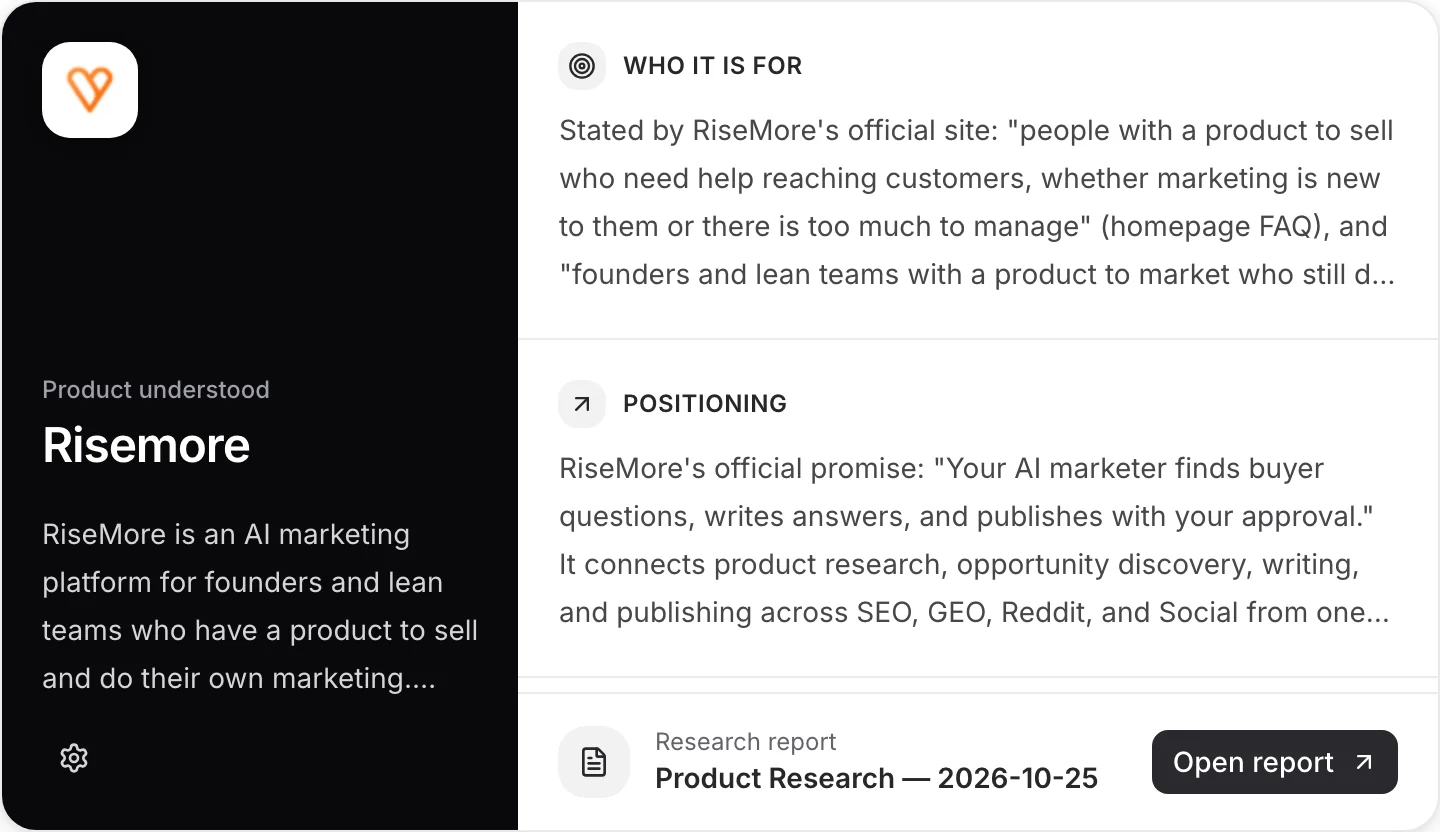
RiseMore’s Social Agent turns research into posts and images for X and LinkedIn.
You approve what goes live. RiseMore handles the publishing.
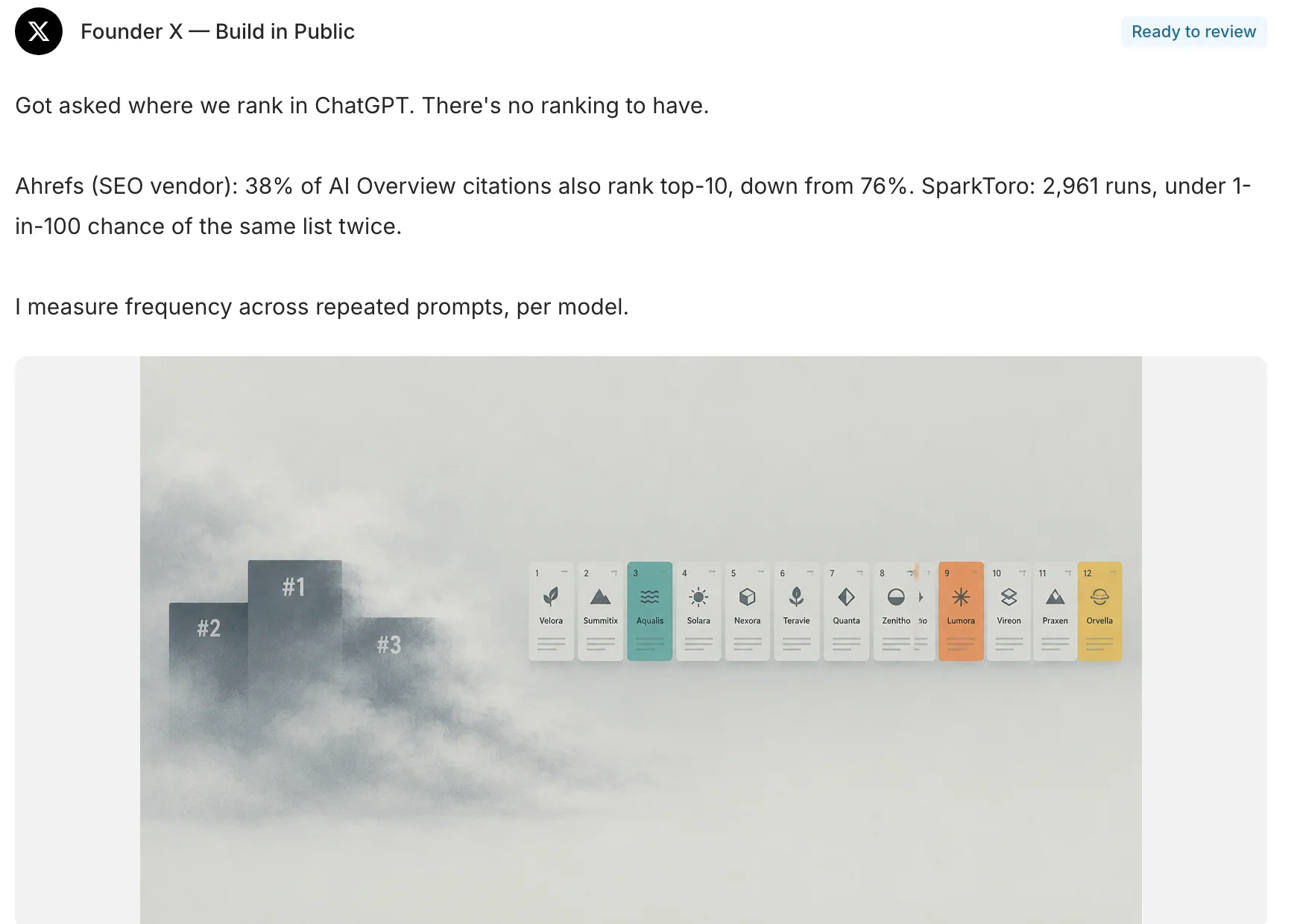
For your own X and LinkedIn accounts.
An empty calendar is only half the job. You still have to find the idea, decide what to say, write the post and make its image. RiseMore takes on that work, so staying visible doesn't become another job.
| The work | RiseMore handles | You keep |
|---|---|---|
| Find the angle | Research relevant material and select a topic. | Your product knowledge and point of view. |
| Create the post | Write for the account and create its image. | The final wording, image and factual review. |
| Get it published | Publish the approved version on schedule. | Approval, destination and timing. |
Your product is the starting point. Updates, customer questions and relevant conversations give each post something concrete to say.
Here, the agent connects research about AI citations to a question its audience cares about: what actually makes a product show up in an AI answer?
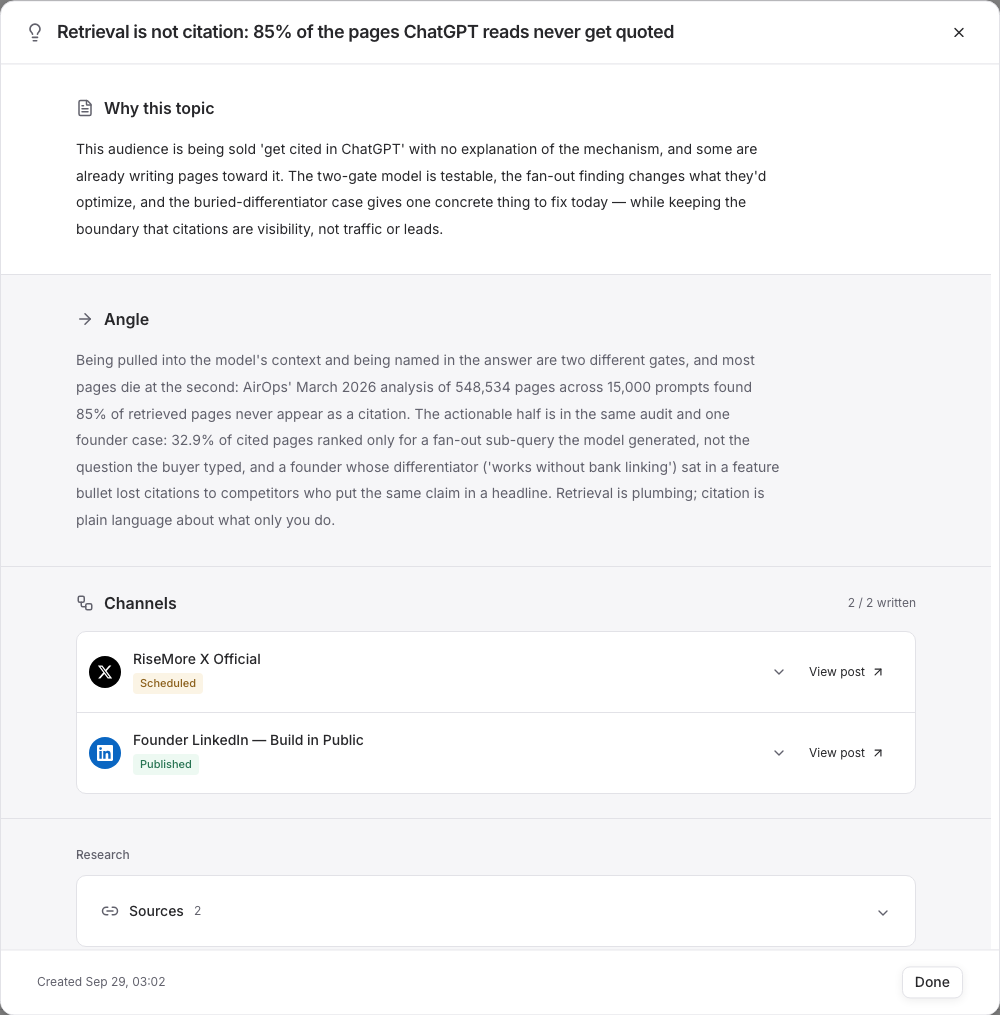
RiseMore keeps reusable product knowledge: what you sell, who it helps and why people choose it. You can inspect and correct that context as your product changes.
A release, a useful answer, a point of view, a lesson from building. Turn what is happening around your product into posts people have a reason to read.
What can your customers do today that they couldn't do yesterday?
Turn a feature release into a concrete before-and-after story. Explain the customer problem it removes, rather than listing everything you shipped.
A channel-specific post and an image, ready for review.
Answer the question your next customer is already asking.
Use product knowledge and relevant research to explain the problem, show a useful approach and make the product's role clear where it belongs.
A channel-specific post and an image, ready for review.
Something changed in your market. What does it mean for your customers?
Give the reader a grounded point of view on relevant research or community conversations. Keep the original evidence available to inspect.
A channel-specific post and an image, ready for review.
Share a decision, a lesson or a change from the work.
Turn real product updates and observations you provide into a founder's story. Build in public with something specific to say.
A channel-specific post and an image, ready for review.
Text and image arrive together. Edit either before approving. You don't need a second tool just to finish the draft.
Browse actual workYour founder account and your company account don't have to sound the same. Each channel has its own writing brief, language and posting history.
Give a useful idea room to be direct. A clear observation, a product update or a lesson from the work.
Write for your LinkedIn audience, in that account’s voice. Develop the idea with more context where it helps, then publish the approved post on your schedule.
Voice, language and posting times are set separately for each account on either platform.
Open the research, read the draft and check the image. Change what needs changing. Only the version you approve moves toward publication.
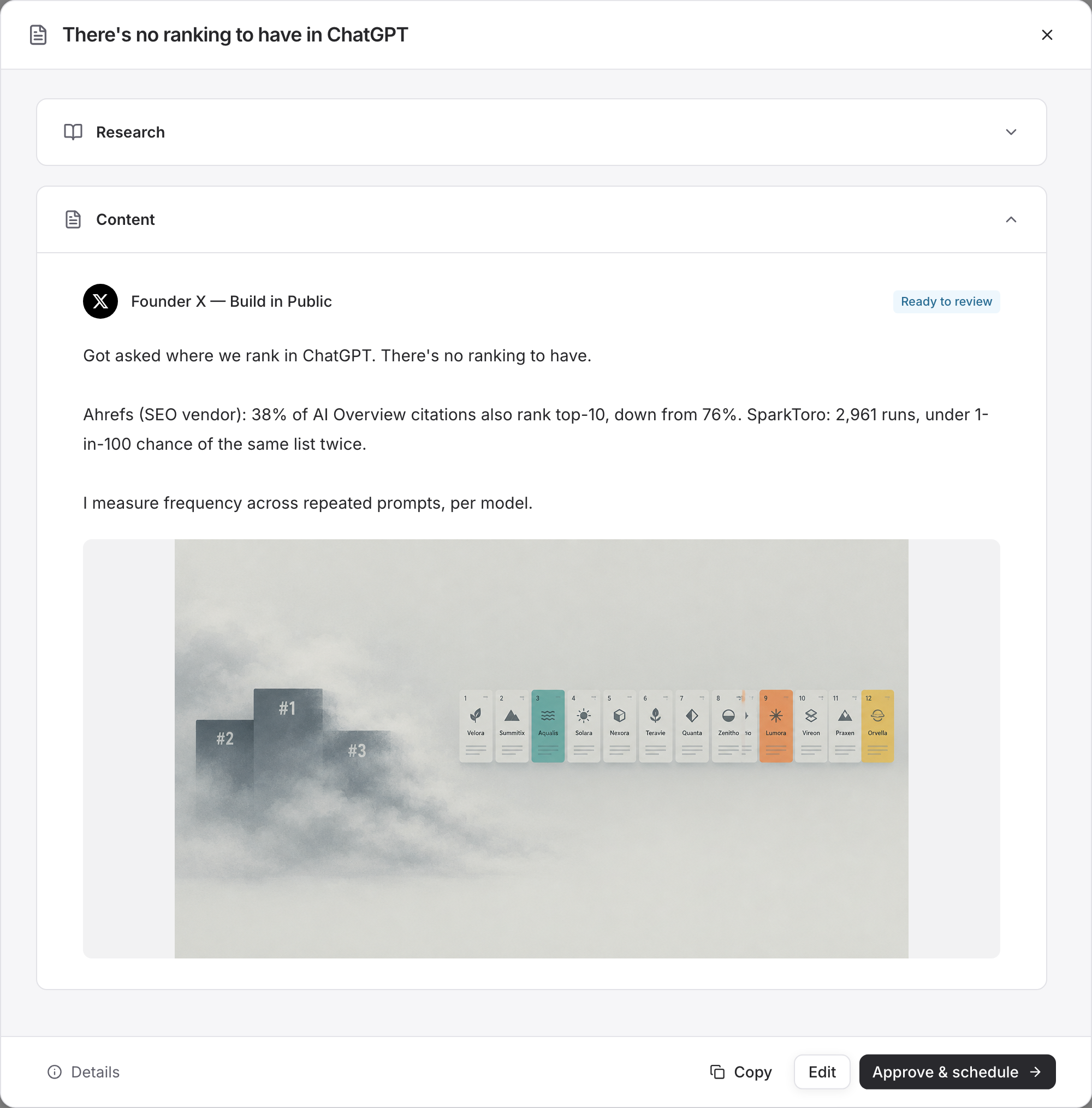
The research sits with the content, so you can check what the post is based on.
Edit the text and image before approving. Keep a draft for later when it isn't ready.
Confirm the target account and publishing time. Use the channel's schedule or publish immediately.
Nothing goes live just because it was generated.
Set the rhythm for each account. Auto-publish to X and LinkedIn after approval, while you get back to the product.
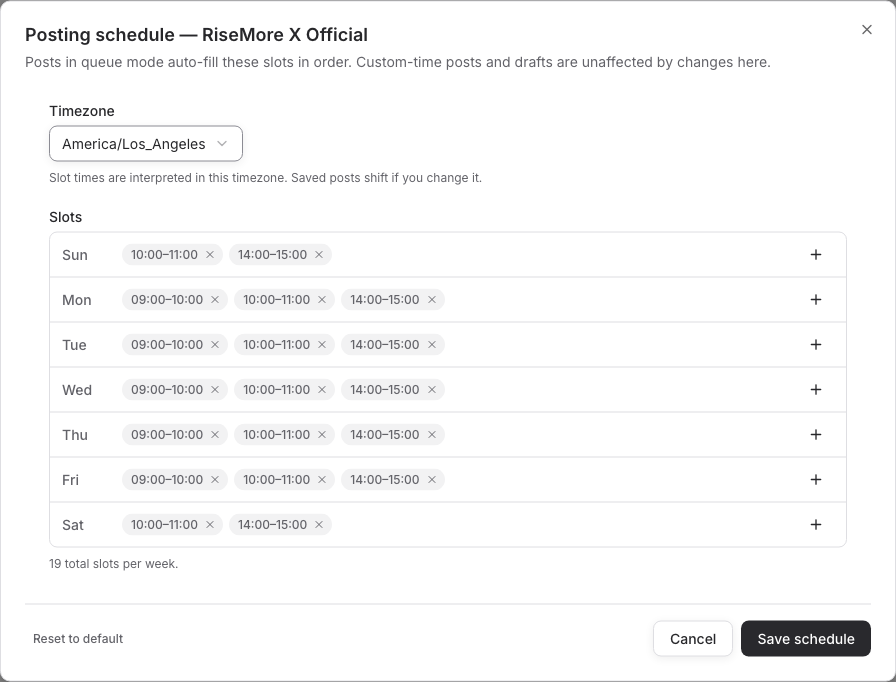
Set different posting windows for each account and adjust them as your routine changes.
New research and drafting pause when too much work is waiting for review. Approved posts continue publishing.
Manage account connections in Channels. See publication status and open the actual published post.
Engagement tracking is currently available for eligible published X posts. LinkedIn publication links are available; automatic LinkedIn analytics are not included.
You don't need to become a full-time content manager to show up consistently. Start with your website, review what RiseMore learns and connect the accounts you already use.
Social publishing supports your own connected X and LinkedIn accounts. Each channel has separate writing settings and posting times.
RiseMore learns about your product, researches relevant topics and prepares posts and images for each account. You can inspect the sources, edit the draft and approve what gets published. You do not have to come up with every post.
No. Drafts wait for review. Once you approve the content, destination and publishing time, RiseMore can publish automatically.
Yes. Edit the draft, upload or remove images and preview the result before approving it.
Yes. Each channel has its own voice, language, audience context and recent posting history. RiseMore writes separately for each account.
Yes. Review and edit drafts first. A connected account is required for automatic publishing. With a manual channel, you can publish yourself and save the real result link.
RiseMore pauses new Social research and drafting when too many posts await review, then resumes as the backlog clears. Your already approved posts continue publishing.
No. RiseMore handles research, content and publishing to help you build a consistent presence. Reach and business results depend on your audience, product and the platform.
Start with your product website.
Review the work before anything goes live.